
TABLE OF CONTENTS
- InPost Global in Shiptheory
- Services Available and Destinations Supported
- Add InPost Global to your Shiptheory account
- Advanced Settings (optional)
InPost Global in Shiptheory
InPost Global is the carrier integration in Shiptheory connecting InPost via InPost's Global API.
Services Available and Destinations Supported
As of writing, the API only supports GB Domestic and shipment to North Island, and Channel Islands and Isle of Man at the moment.
Two services are available in Shiptheory with two different service (Standard vs Express)
- Deliver to Home
- Deliver to Locker / Home
Return shipment is also available; it needs a shipment label to be printed. Drop-off code for locker return will be supported later on.
Add InPost Global to your Shiptheory account
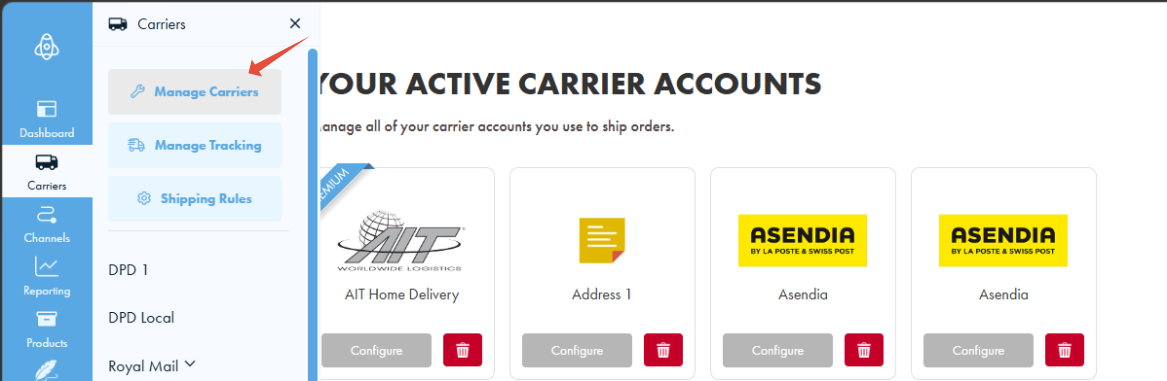
To start, from any page in Shiptheory, click on the "Carriers" icon, and select the "Manage Carriers" option.
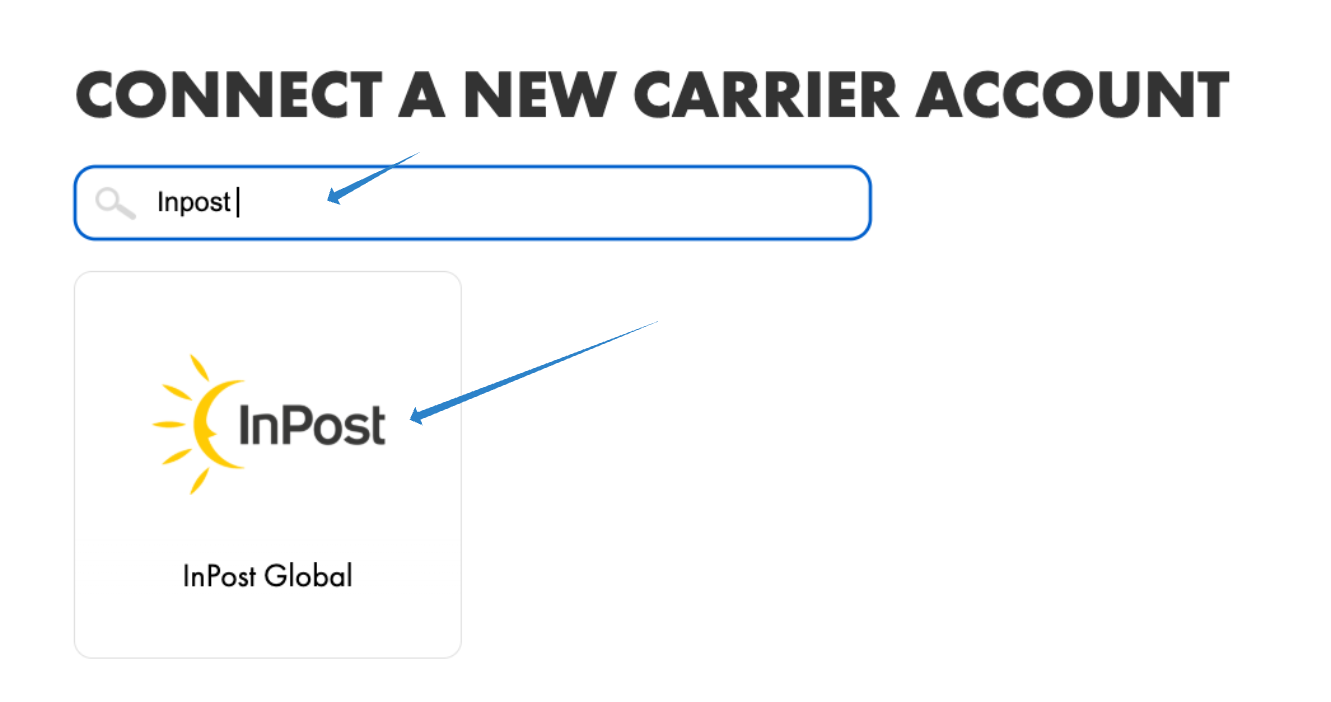
In the next page, scroll down until you find the InPost Global icon, or type the name into the search box to find it fast. Click on the icon to add.
In the next page, enter the provided credentials from InPost following:
- Organisation ID, Client ID, Client Secret: Provide by InPost
- Custom Goods Description: Enter a general description of the type of goods that you will be sending with InPost. This is used for customs declarations on shipments to Northern Ireland.
- Default Currency: InPost currently only accepts GBP
Once you have entered your details, click "Test Connection". This checks that the InPost account details you entered are correct.
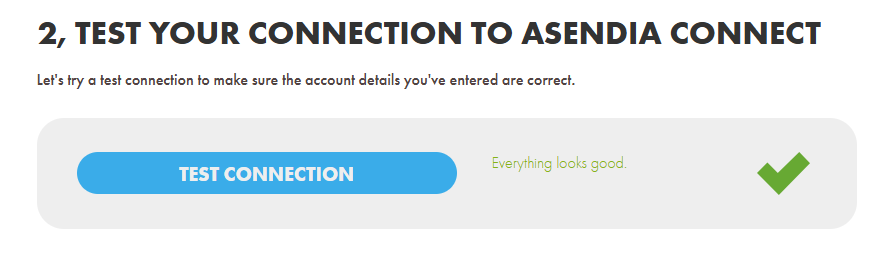
If the test is successful, click "Save".
Advanced Settings (optional)
Click Advanced settings at the bottom of the page to see more options.
Test Mode
- No - I want real labels: Shiptheory connects to the live InPost environment.
- Yes - I'm currently testing: Shiptheory connects to the InPost testing environment. Any labels you create are not real.
Default Parcel Dimensions
The default Width, Length and Height of your parcels, in centimetres. These are used when your shipment does not have packages.
Locker / Store ID Field
Choose which field Shiptheory should read the InPost Locker / Store ID from:
- Recipient Address Line 1
- Recipient Address Line 2
- Recipient Company Name
- Recipient City
- Recipient Postcode
- Recipient First Name
- Recipient Last Name
- Channel Pickup Details: uses the pickup details sent by your sales channel.
If no Locker / Store ID is found, the shipment is delivered to the recipient's address.
For more detail, see How Shiptheory extracts InPost Locker IDs.
If you encounter any issues, please feel free to contact our support team. You can call us on 0117 403 4313 (UK) / +1 (629) 666-6726 (US) or reach us online here.