
Shiptheory now supports mapping the Carrier field from Cin7 Core directly into Shiptheory's shipping method! This means the courier you select in Cin7 Core will automatically pass through to Shiptheory, allowing you to create shipping rules for fully automated fulfilment.
How to set up:
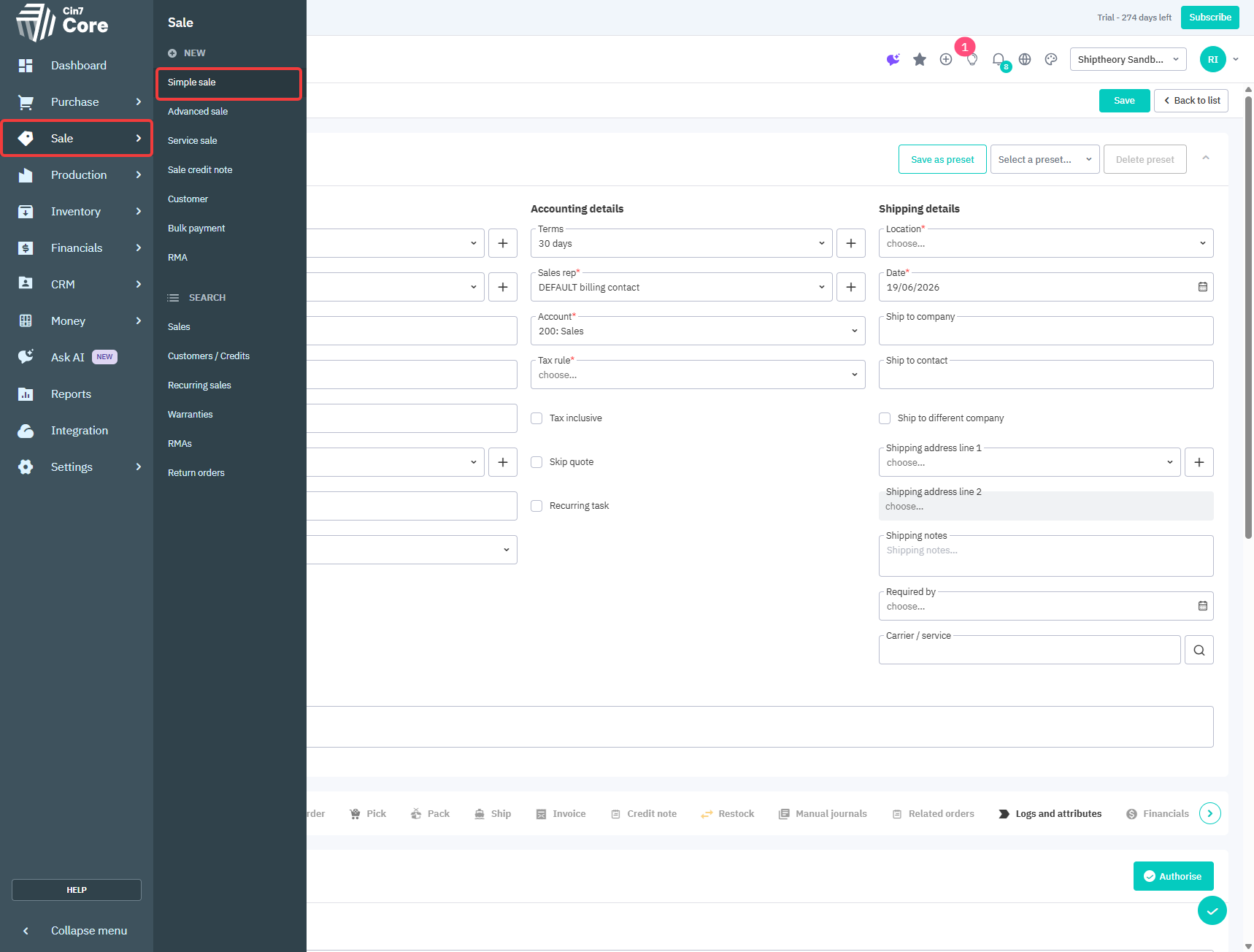
1. Inside your Cin7 Core Portal, open or create a sale.
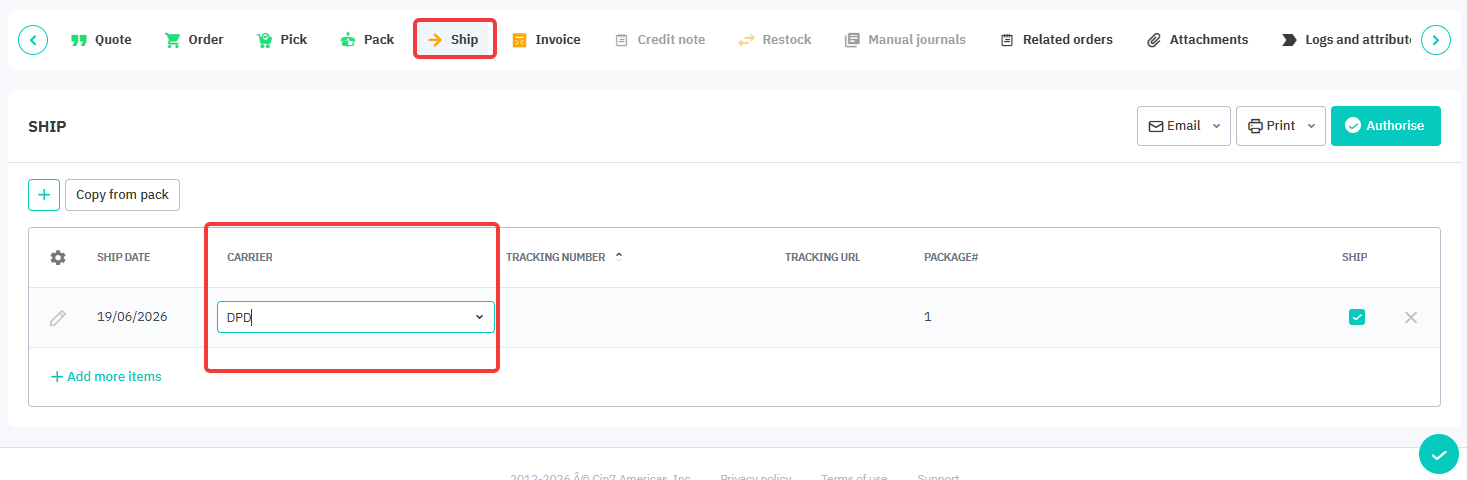
2. Navigate to the SHIP section of the order, and in the Carrier column, select your chosen courier.
Important Things to Note:
Courier Matching: The couriers you select in Cin7 Core must exactly match your ShipTheory couriers. For detailed instructions on how to properly set up couriers in Cin7 Core to work with Shiptheory, please view our setup guide here.
Multiple Packages: If your shipment contains multiple packages, Shiptheory will only map the courier specified in the first row of the Carrier column.
If you encounter any issues, please feel free to contact our support team. You can call us on 0117 403 4313 (UK) / +1 (629) 666-6726 (US) or reach us online here.