
If you have recently signed up or created a new DPD or a DPD Local account and are trying to connect with the Shiptheory API, you might see an error message saying that error connecting credentials are incorrect.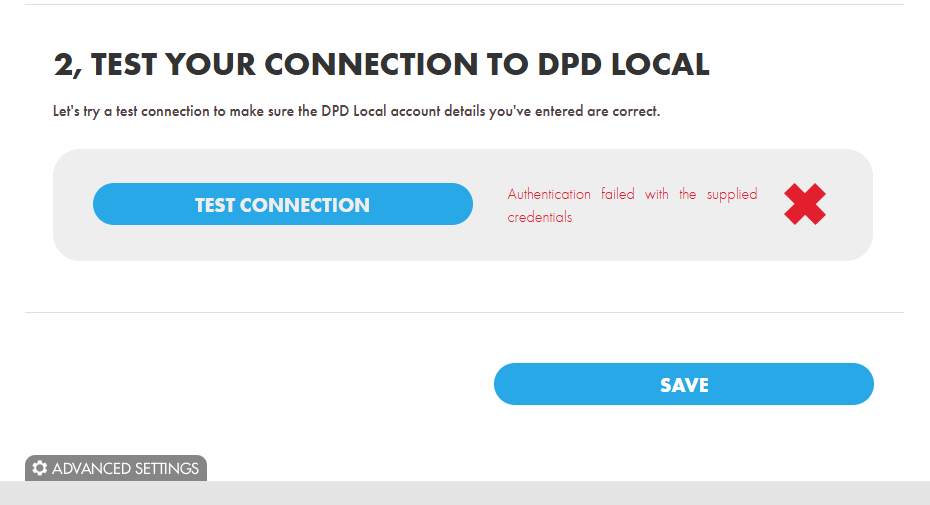
This usually happens because the DPD password is in the incorrect format, and to connect with the DPD, the password needs to be reset using the link provided below. No special characters should be included, such as (" . , * ! ? #) in the new Password set.
To reset the password, please use the link provided by the DPD themselves.
DPD Local : https://www.dpdlocal.co.uk/umslogon/public/changePassword.do?carrier=2&returnUrl=
DPD : https://www.dpd.co.uk/umslogon/public/changePassword.do?carrier=1&returnUrl=
If you encounter any issues, please feel free to contact our support team. You can call us on 0117 403 4313 (UK) / +1 (629) 666-6726 (US) or reach us online here.