
In order to connect your Exelot account to Shiptheory, you will need:
- Exelot Username/Email
- Exelot Password
- Exelot Partner ID
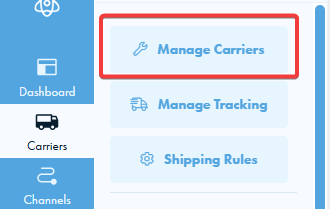
First, go to the "Manage Carriers: page.
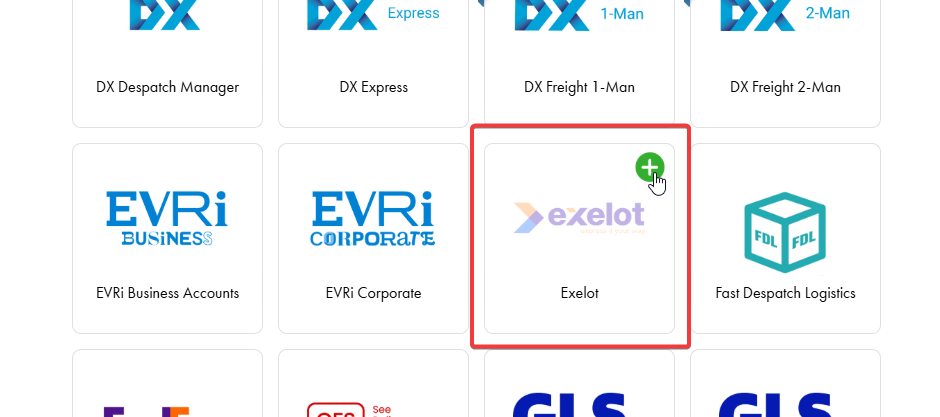
Scroll down until you find Exelot and click the green '+' icon to add it to your account.
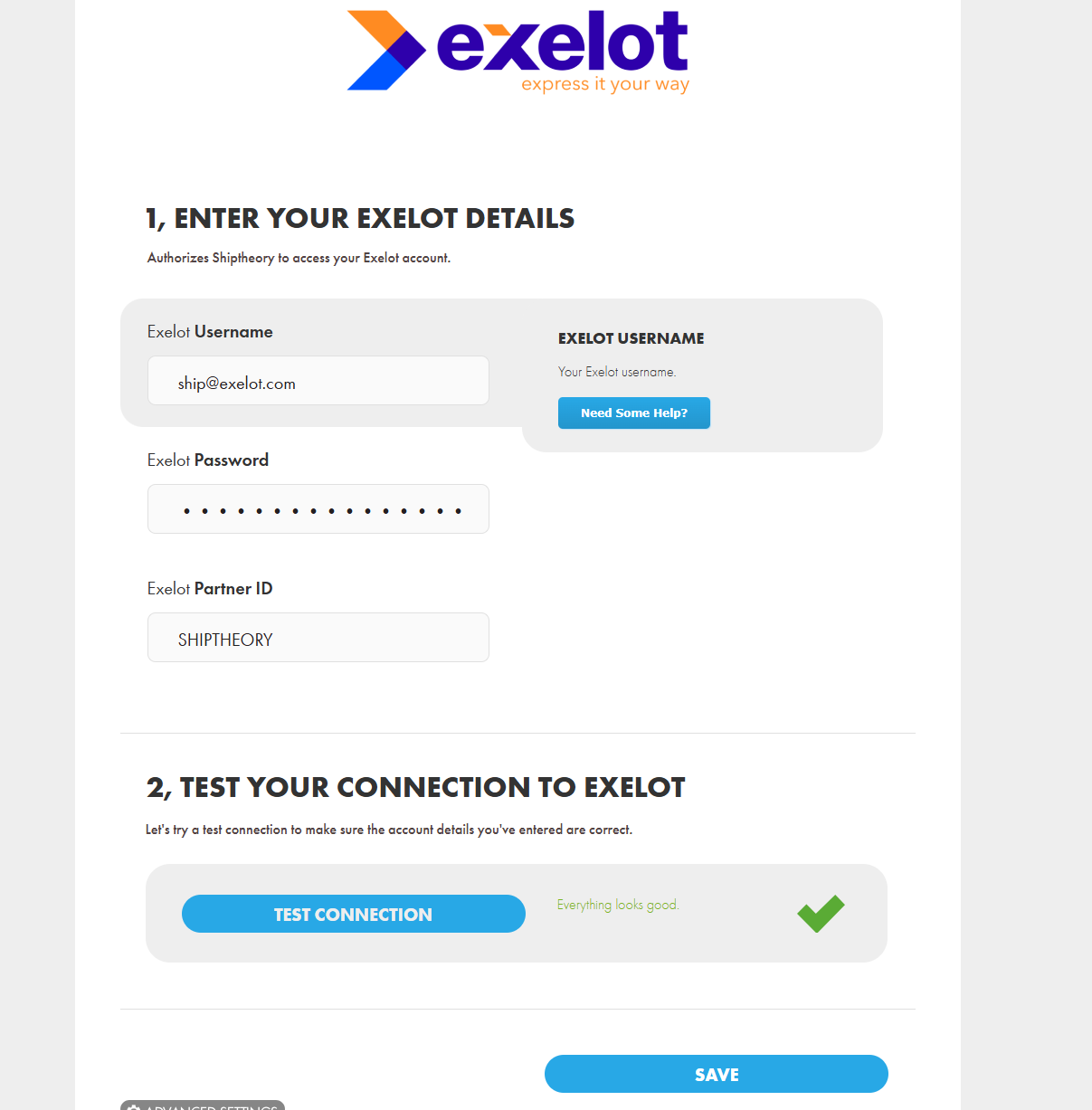
Enter your details and click on the blue "Test Connection" button. You should see a green tick to confirm the connection is successful. Press save, and you are all set.
If you encounter any issues, please feel free to contact our support team. You can call us on 0117 403 4313 (UK) / +1 (629) 666-6726 (US) or reach us online here.