
Prebooking uses the sales order in Peoplevox as the basis of a shipment. When your sales order moves to the allocated status Shiptheory will receive the sales order and book in a shipment for all items. This shipment then sits in Shiptheory until you start to process your despatch packages. Instead of booking a new shipment for each despatch package Shiptheory will return the label which corresponds to the package number in Peoplevox.
TABLE OF CONTENTS
Caveats/Limitations
Prebooking does not offer quite the same level of functionality and performance as the default integration methodology. It is important to understand its limitations before beginning to use it:
- Peoplevox dispatches sales order events to Shiptheory every 3 minutes. This means that it could be up to 3 minutes before a sales order is sent to Shiptheory.
- If the courier you are booking with returns more than one label per package then the solution will not work. A good example of this is shipping internationally with FedEx® where multiple labels are returned per package.
- If the courier you are booking with does not return the correct number of labels to Shiptheory then not all of your despatch packages will receive labels.
- The following information is not available in prebook mode:
- Recipient telephone number
- Recipient mobile/cell number
- The following information must be set on the sales order directly as it cannot be directly pulled from the customer associated with the sales order:
- Contact Name
- Units of measure for weight and dimensions are not available from Peoplevox in this mode. Please check that your integration defaults are set correctly.
How to enable prebooking
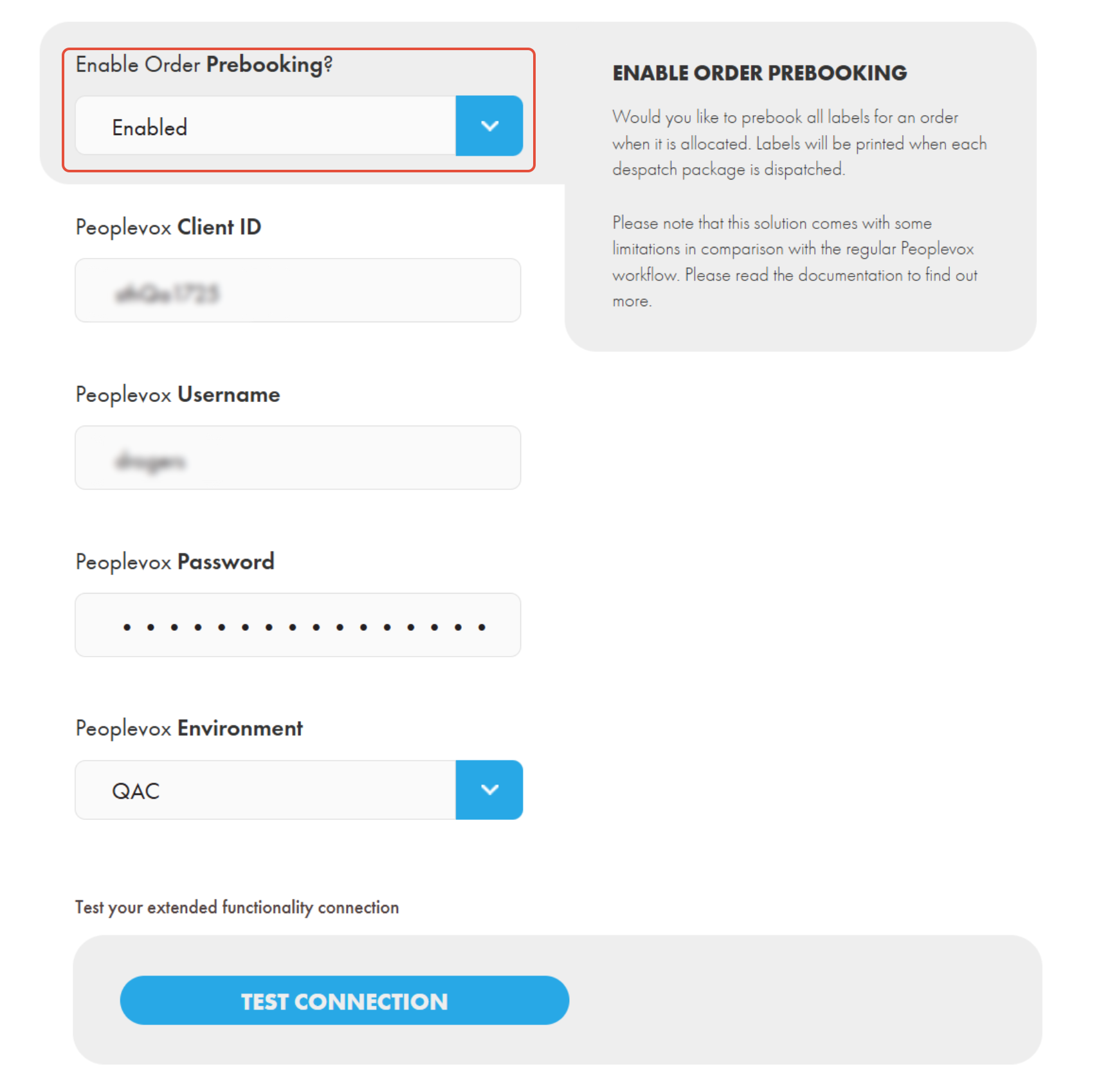
To enable prebooking go to your Peoplevox integration settings and open the advanced settings section and scroll down to the section called "Extended Functionality". Find the "Enable Order Prebooking?" setting and change it to enabled. You will also need to enter your Peoplevox credentials as prebooking uses a different mechanism for receiving information from Peoplevox to the default integration functionality.
If you encounter any issues, please feel free to contact our support team. You can call us on 0117 403 4313 (UK) / +1 (629) 666-6726 (US) or reach us online here.