
Setting up Palletline in Shiptheory
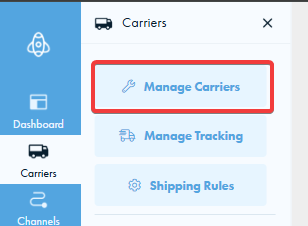
To connect your new Palletline instance in Shiptheory, please select the carrier button on the left and press Manage Carriers.
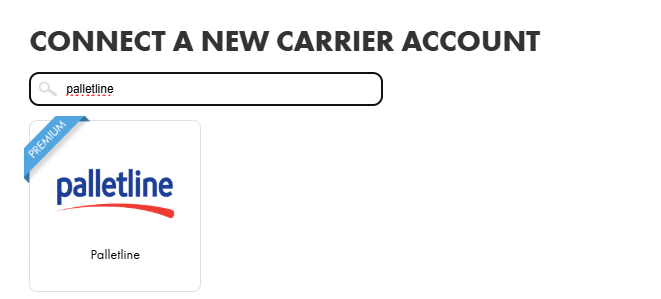
Scroll down until you see Connect a New Carrier Account, find Palletline, and click on it to create your new Palletline settings in Shiptheory.
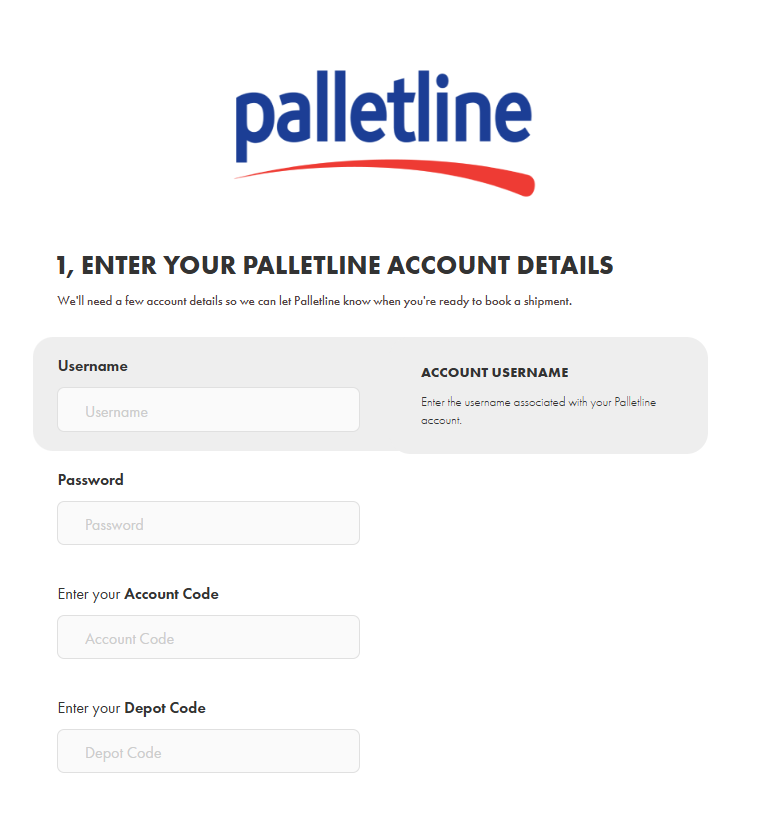
This will redirect you to the Palletline settings page, where you can enter your Palletline username, password, account code, and depot code, all of which you would receive from Palletline.
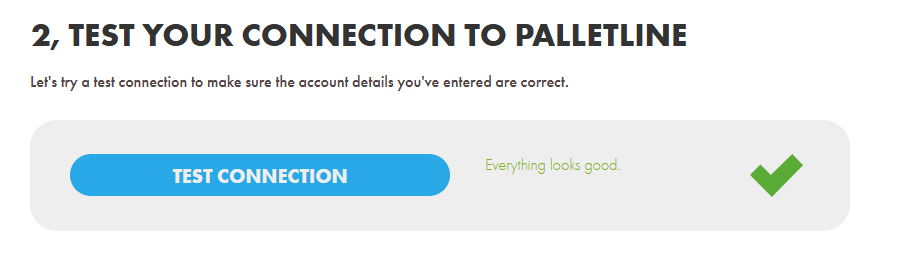
To verify your details are correct, press the Test Connection button.
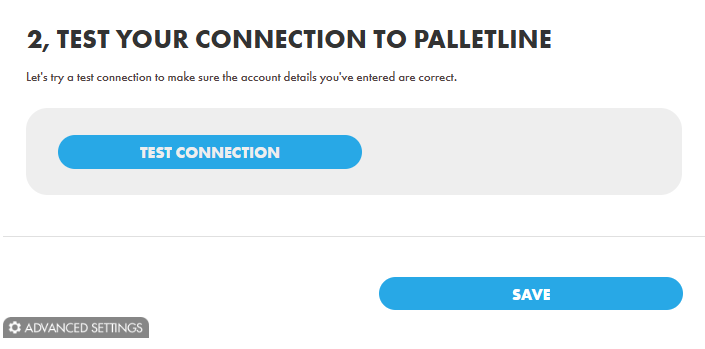
If it displays "Everything looks good", you are ready to start shipping with Palletline! Please make sure to press save before returning to the dashboard.
Advanced Settings
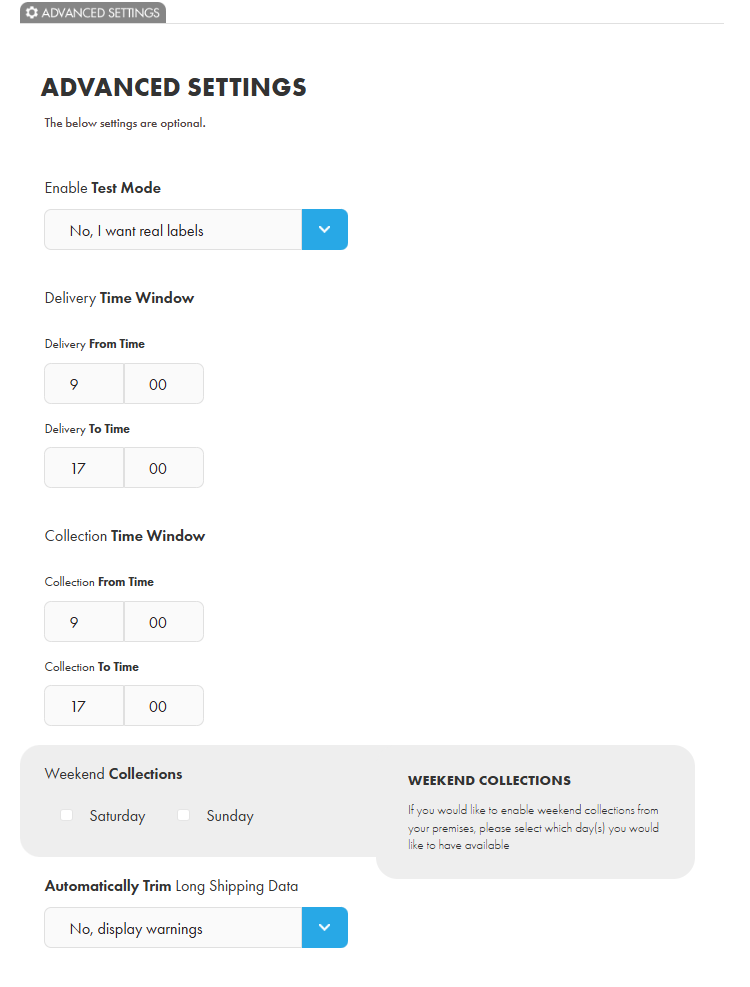
Advanced settings for your Palletline configuration can be found in the Advanced Settings section below. The Delivery Time Window and Collection Time Window fields define the times that Palletline can collect and delivery from and to. You also have the option to enable weekend collections. Adjust these to your preferred settings and make sure to click Save.
Booking with Palletline in Shiptheory
Return to your dashboard, right-click on a shipment, and press View Shipment. You will be prompted to select a carrier, please select Palletline.
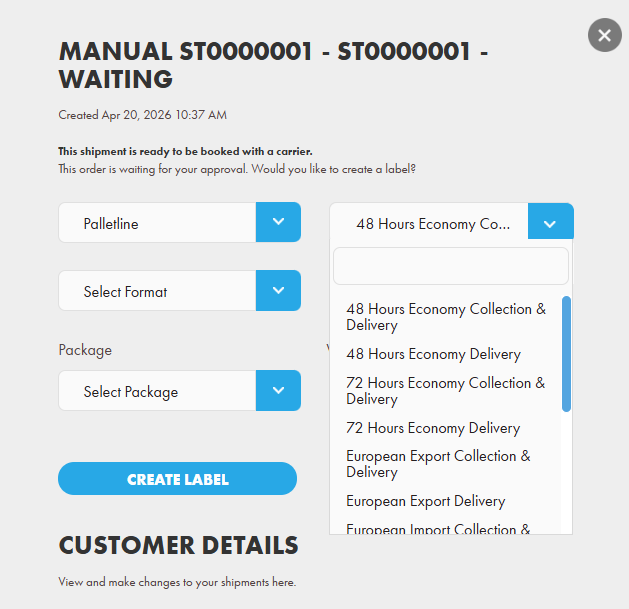
Palletline offers a range of services, such as:
- 48 Hour Economy Collection & Delivery
- 48 Hour Economy Delivery
- 72 Hour Economy Collection & Delivery
- 72 Hour Economy Delivery
- European Export Collection & Delivery
- European Export Delivery
- European Import Collection & Delivery
- European Import Delivery
- Premium Next Day Delivery
- Premium Next Day Collection & Delivery
- Saturday Collection & Delivery
- Saturday Delivery
- Sunday Collection & Delivery
- Sunday Delivery
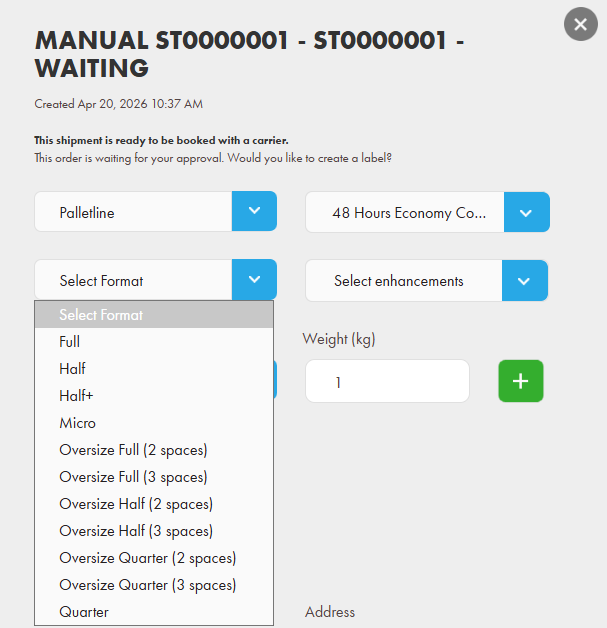
Once you have selected your service, please select a format for your pallet, and then you will have the options to include any enhancements. Enhancements are optional add-ons you can apply to your shipment, however, please be aware that these will be additional surcharges.
The options available will depend on your selected service:
Collection Surcharges
- AM Collection - Collection before midday
- FORS Bronze Collection
- FORS Silver Collection
- Lift Assisted Collection
- Palletisation
Delivery Surcharges
- AM Delivery - Delivery before midday
- Specific Time Delivery - Delivery scheduled from 10:00 onwards
- Book in by Depot
- Booked Window - A 4 hour delivery window
- FORS Bronze Delivery
- FORS Silver Delivery
- Lift Assisted Delivery
- Pre-10:00 Delivery
- Very Urgent - Delivery before 09:59
- Tail-Lift
- Slaving Bricks
- Small Vehicle
- Insurance
- Customers Own Paperwork
- Pallet Unload (Handball)
Please note: Some of these enhancements require specific time windows. To adjust your times, please visit your Advanced Settings in your Palletline settings in Shiptheory.
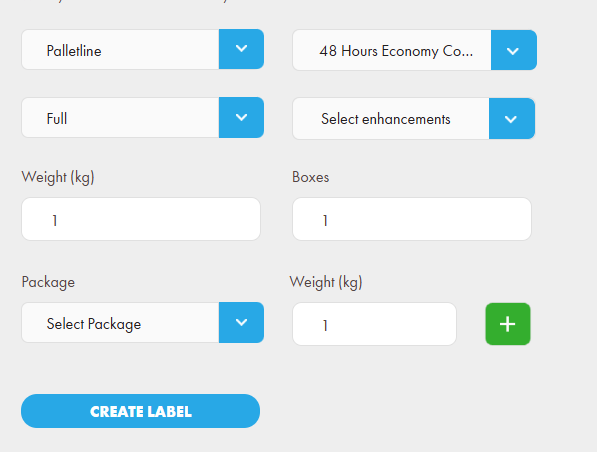
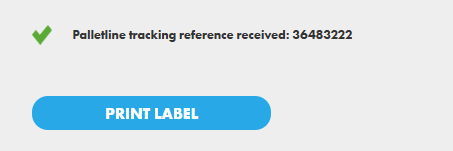
You are now ready to book with Palletline! Simply press the Create Label button to generate your shipment label, then press Download Label to save it.
If you encounter any issues, please feel free to contact our support team. You can call us on 0117 403 4313 (UK) / +1 (629) 666-6726 (US) or reach us online here.