
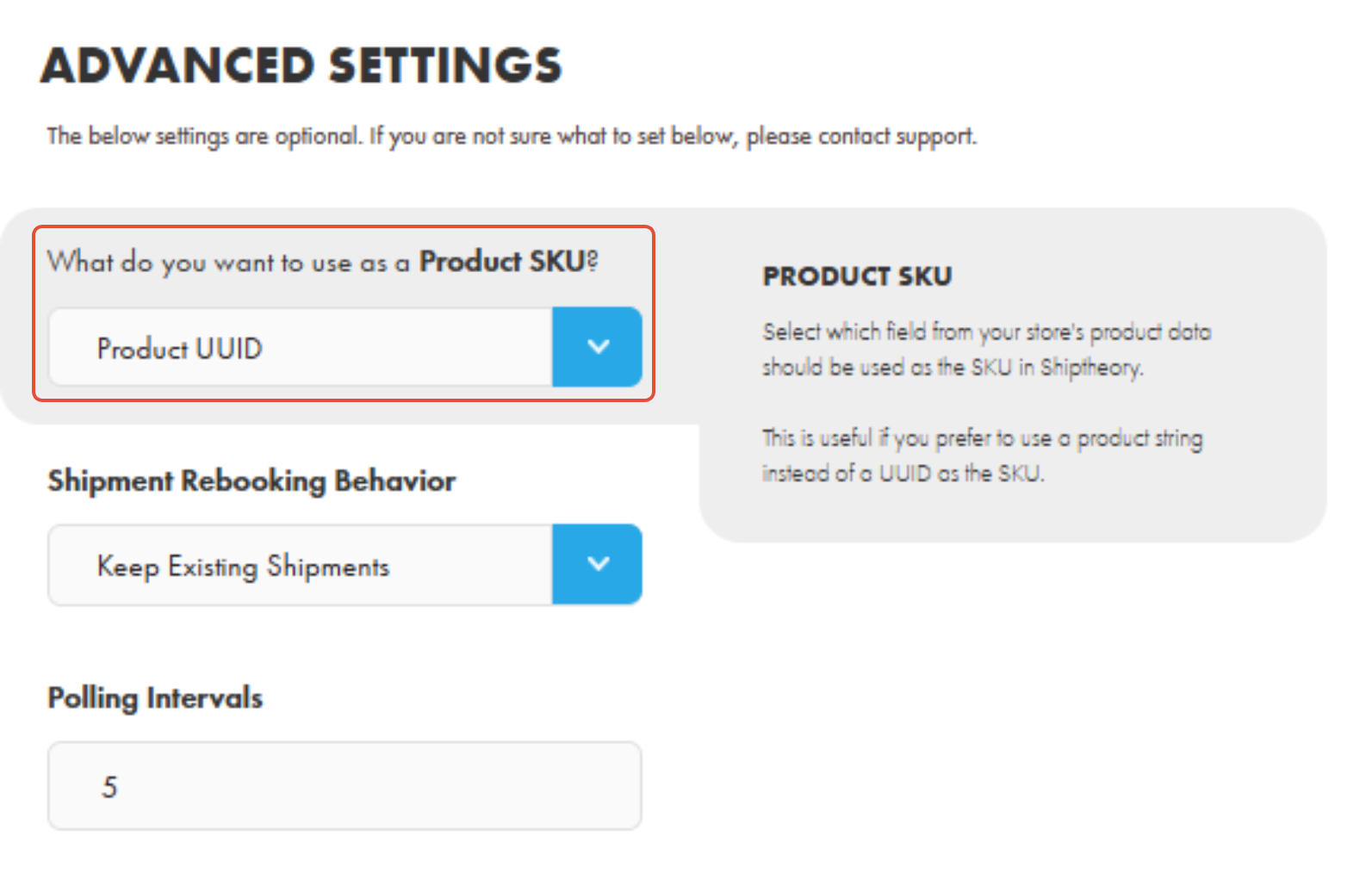
Shiptheory requires a SKU for every product. Within your Netlife integration Advanced Settings in Shiptheory, you can choose which field should be used as the SKU when products are first downloaded from Netlife.
There are two options available. This setting determines how products are identified, matched, and managed within Shiptheory.
1. By default, the Product UUID is used. This is a unique identifier generated in the background for products in Netlife when they are first made.
A UUID is intended to uniquely identify a product. In some cases, such as with bundle items, the same UUID may be linked to more than one product. If this happens, Shiptheory will treat those products as the same item, as it uses the SKU value to match them.
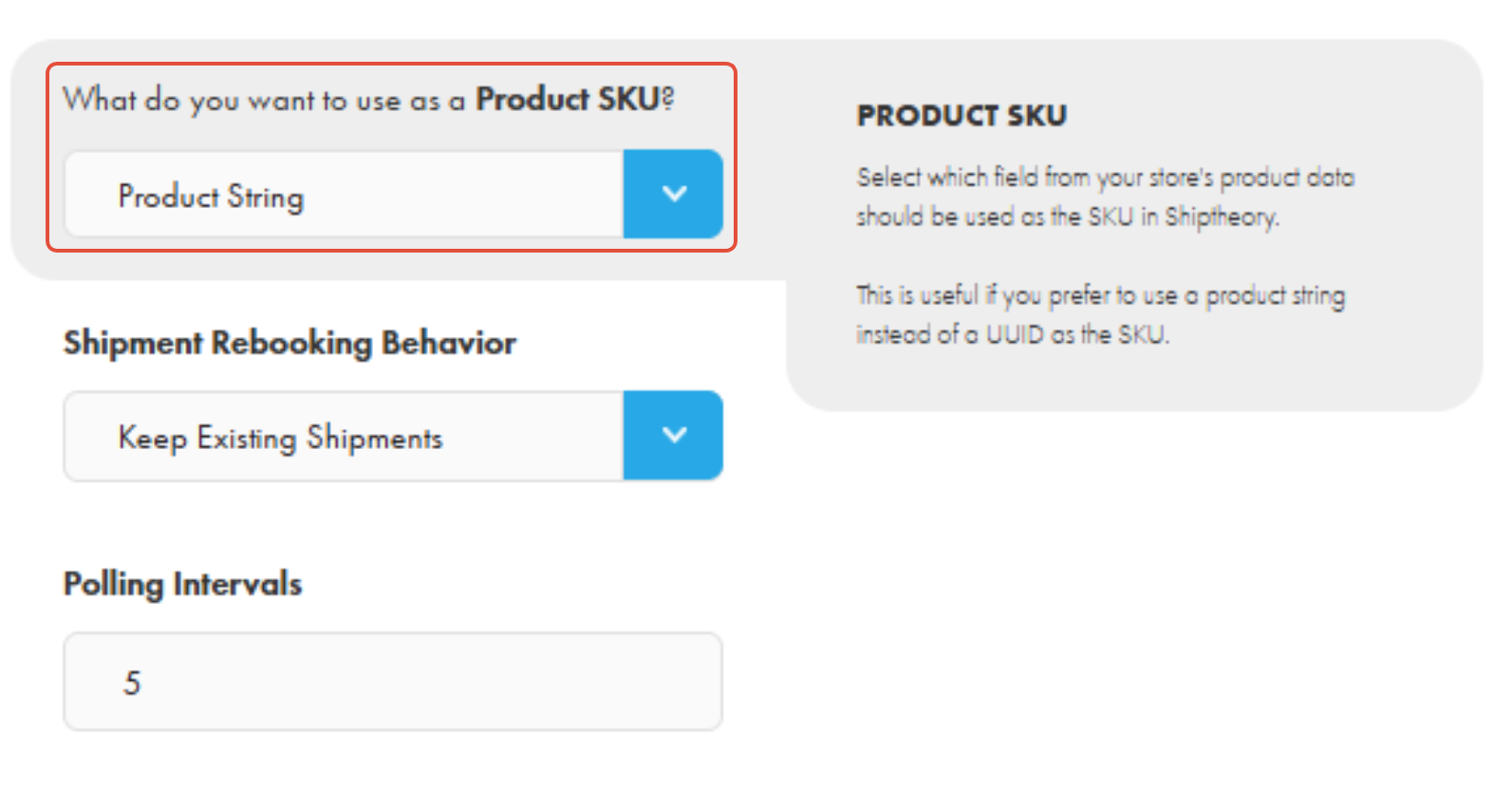
2.The second option is the Product String. This uses the product description, which is typically the product name.
This option uses the product description as the SKU. It allows you to manage product identifiers in a way that is more visible and easier to review, and can help avoid products being matched together unintentionally.
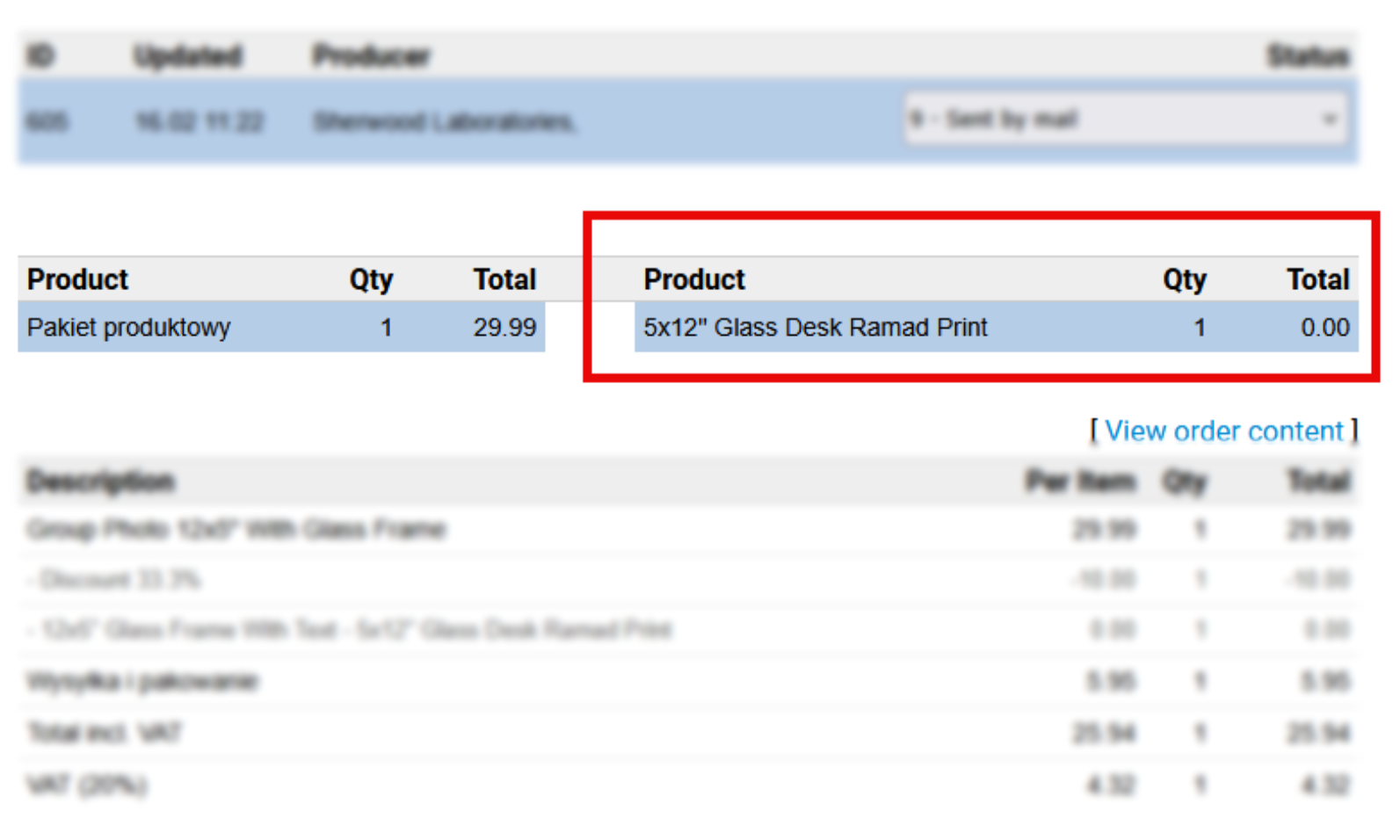
The screenshot below shows how the Product String appears in Netlife.
If you encounter any issues, please feel free to contact our support team. You can call us on 0117 403 4313 (UK) / +1 (629) 666-6726 (US) or reach us online here.