
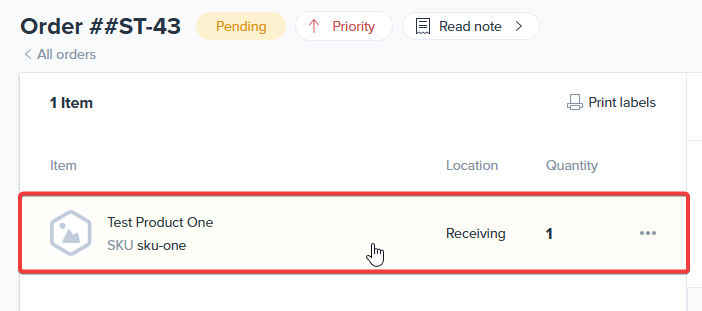
First, go to your ShipHero orders page and select an order to ship:

Pick and pack the order by clicking the products on the left side of the screen:
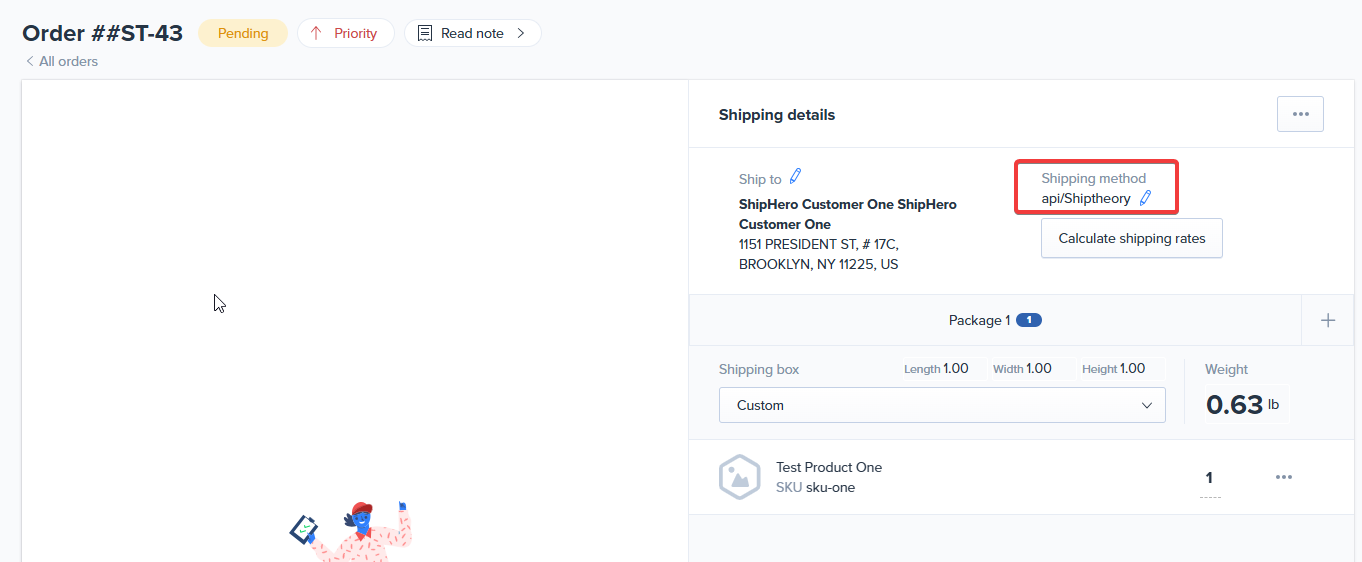
Make sure that the Shipping Method selected is "api/Shiptheory" (or the name you gave to ShipHero when setting up the connection with Shiptheory):
Finally, make sure a printer is connected and click "Print Labels" in the bottom right of the screen:

The order will be sent to Shiptheory, where it will be booked in with a carrier and a shipping label will be sent back to ShipHero.
If you encounter any issues, please feel free to contact our support team. You can call us on 0117 403 4313 (UK) / +1 (629) 666-6726 (US) or reach us online here.